Revised: 08/12/2025
View/Update User Roles |
|
This feature allows Agency Administrators to set users up with appropriate access to the application.
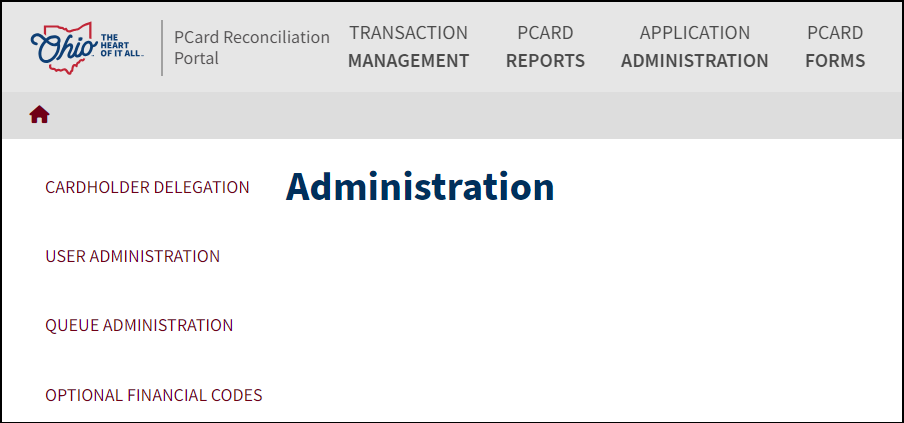

Enter the first and last name or employee ID of the user.
Click Search.

Select the user by clicking Select.
The user’s roles will display.
Active user roles will appear at the top.

To add a role, click Add.
The Add User to Role box will display.

Select the appropriate Application Role and if applicable, select an Agency.
Click Submit.
To disable a role, or to deactivate the user, click the green toggle in the Active role block.
Green=Active
Gray=Inactive
If you are adding a user/role, the user will not be active until they are added to a queue.
| Click here to request updates to this topic. |
|
