Revised: 10/29/2024
View Active Transactions and Approval Path |
The user can view all transactions that have entered workflow (queue is selected) and have not yet been final approved. Upon final approval, the transaction no longer displays in Active Transactions, but may still be viewed in reports.


Filter Results can be used to narrow down the list.

Enter/select an appropriate filter.
Click Filter.
Click Reset to clear the filters.
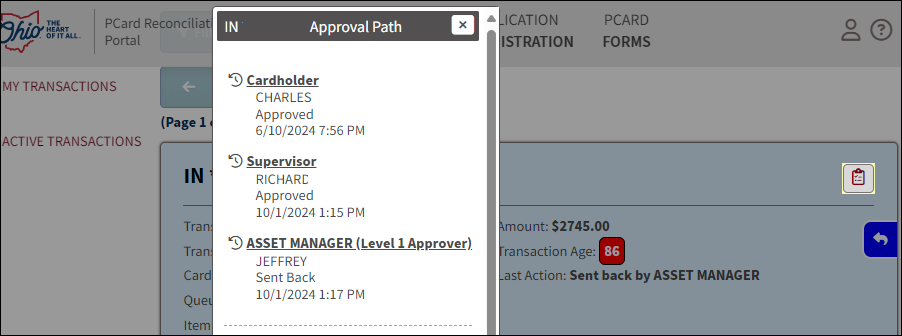
 to view who is next in line to approve the transaction.
 | Click here to request updates to this topic. |
|
